
Last updated November 2025.
The Free Government Tablet program is a critical initiative that helps low-income individuals, seniors, students, and disabled people gain access to essential technology. Whether you are applying through Lifeline tablet providers or a non-profit organization, applicants must submit specific documents to verify eligibility.
This guide provides a detailed breakdown of required documents to support a seamless application process for eligible individuals.
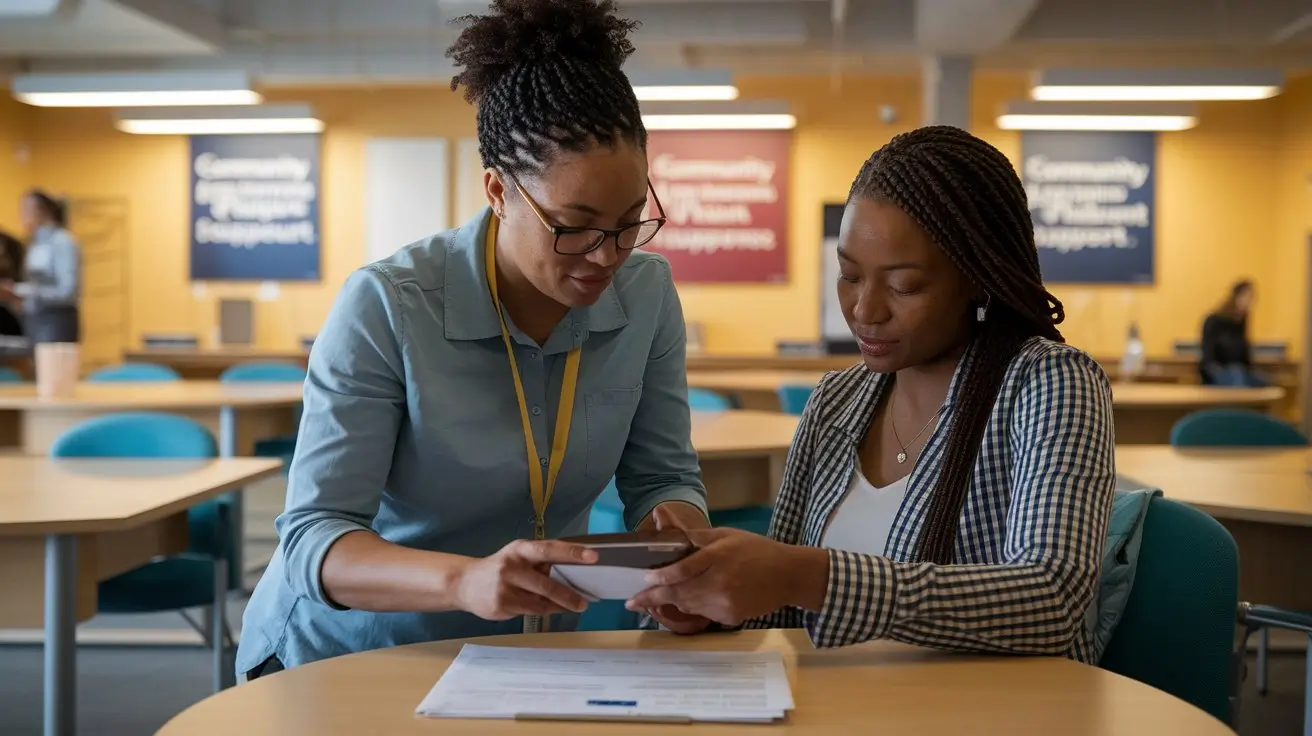
Required Documents for Free Government Tablet Application
Before applying for a Free Government Tablet, you must gather and submit the following essential documents. These records help confirm that you meet the program’s eligibility criteria. Missing or incorrect documentation may delay your application or cause it to be denied.
1. Proof of Identity
To verify identity, applicants must provide a government-issued document.
Primary Documents (Any One of the Following)
- State-issued Driver’s License
- U.S. Passport
- Military Identification Card
- Tribal Identification Card
- Permanent Resident Card (Green Card)
- Government-issued State ID
Alternative Documents (If Primary ID Is Unavailable)
- Birth Certificate (accepted only with another supporting document)
- Social Security Card (must be submitted alongside another identity document)
- Certificate of Naturalization or U.S. Citizenship
File Format Requirements
- Accepted formats: PDF, JPG, PNG
- Resolution: minimum 300 DPI
- Color copy preferred (black and white copies must be clear and legible)
2. Proof of Residency
Applicants must provide proof of a current residential address. P.O. boxes are not accepted.
Accepted Documents (Any One of the Following)
- Utility bill (electricity, gas, water, or internet), issued within the last 3 months
- Lease or rental agreement signed by the applicant and landlord
- Mortgage statement
- Government-issued ID if it includes the current address
- Property tax bill
Alternative Documents
- Official bank statement issued in the last 90 days
- W-2 or tax return document
- Letter from a government agency such as Medicaid, SNAP, Social Security, or Veterans Affairs
File Format Requirements
- Accepted formats: PDF, JPG, PNG
- File size: below 5MB
- Document must be issued within the last 3 months
3. Proof of Income (For Income-Based Eligibility)
To qualify based on income, applicants must show that their annual income is at or below 135% of the Federal Poverty Guidelines.
Accepted Documents
- Recent paycheck stubs (last three consecutive months)
- Federal tax return (1040 form)
- Social Security benefits statement (SSA-1099 form)
- Unemployment benefits statement
- Pension or retirement benefits statement
Alternative Documents
- Worker’s compensation payment proof
- Veterans Administration benefits statement
- Child support or alimony documentation
File Format Requirements
- Accepted formats: PDF, JPG, PNG
- File size: below 5MB
- Documents must be issued within the last 12 months
4. Proof of Government Assistance Program Participation
Applicants qualifying based on government assistance programs must submit documentation proving their active participation.
Accepted Documents for Common Programs
- Supplemental Nutrition Assistance Program (SNAP): EBT card copy plus official award letter
- Medicaid: Medicaid card copy plus approval letter
- Supplemental Security Income (SSI): benefit letter from the Social Security Administration
- Federal Public Housing Assistance (FPHA or Section 8): official housing assistance letter
- Veterans pension or survivors benefit: VA benefit statement
Alternative Documents
- Annual recertification letter
- Official approval letter from a government agency
- Benefit verification letter
File Format Requirements
- Accepted formats: PDF, JPG, PNG
- Documents must display the applicant’s name and issue date
5. Social Security Number (SSN) or Tribal ID
Some providers may require applicants to submit proof of their Social Security Number (SSN) or Tribal ID.
Accepted Documents
- Social Security card
- Tribal ID card for Native American applicants
File Format Requirements
- Accepted formats: PDF, JPG, PNG
- Must be a clear, legible copy
6. Emancipated Minor Proof (For Applicants Under 18)
Applicants under 18 must provide legal proof of emancipation to apply for a free government tablet.
Accepted Documents
- Court order of emancipation
- Official emancipation certificate
File Format Requirements
- Accepted formats: PDF, JPG, PNG
- Must include an official government or court seal
7. Additional Requirements for Tribal Residents
If applying based on Tribal land eligibility, the following documents may be required:
- Tribal ID card
- Tribal assistance program proof if applying through a Tribal benefits program
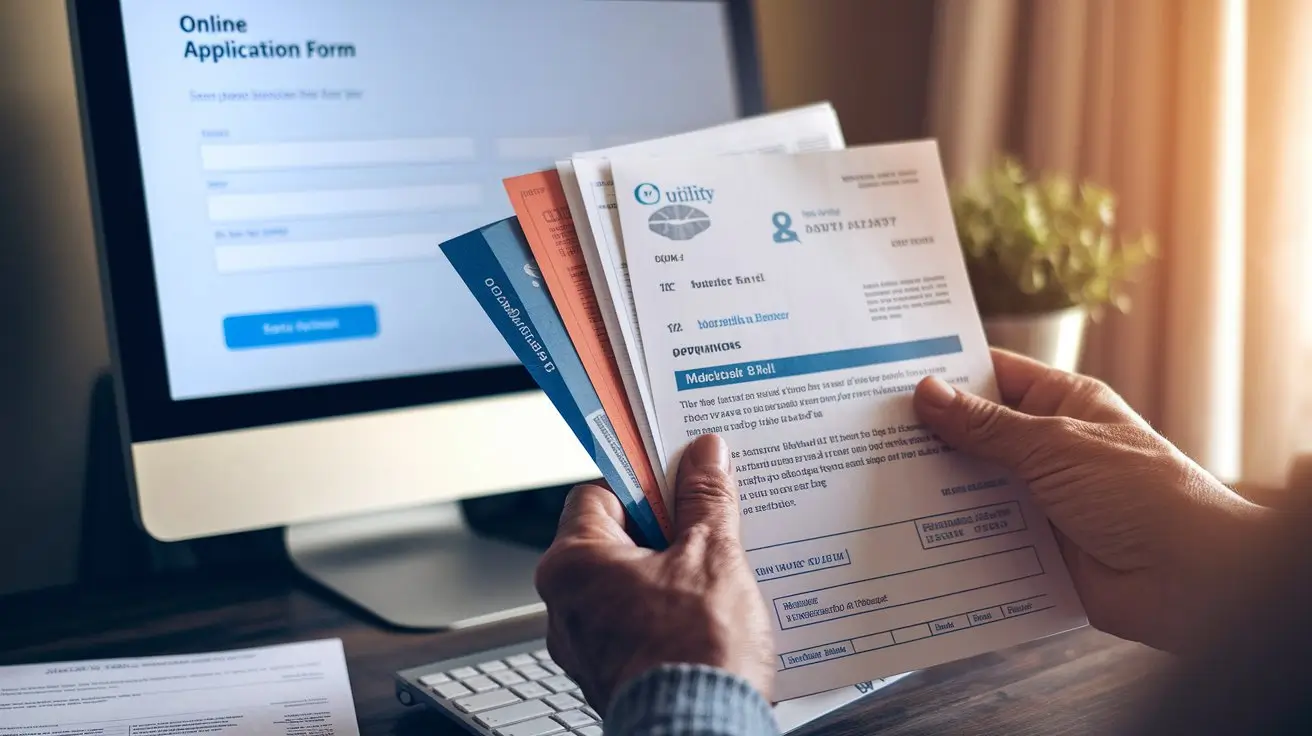
Submission Guidelines & Best Practices
- Ensure all documents are clear and legible because blurry or cut-off files are usually rejected.
- Ensure all submitted documents have matching names to avoid processing delays or additional verification requests.
- Do not submit handwritten documents unless they are officially issued or signed by a government authority.
- Submit documents only in approved formats such as PDF, JPG, or PNG.
Note: The Affordable Connectivity Program (ACP) ended in 2024, so most 2025 free tablet offers rely on Lifeline and other qualifying assistance programs.
Submission Methods
- Online: through the official Lifeline application portal or the specific service provider’s website
- Mail: some providers accept physical document submission
- In person: certain providers allow applicants to visit local enrollment events or service centers for submission
Final Checklist Before Submission
- Identity proof such as a government ID, passport, or approved alternative
- Address proof such as a utility bill, lease agreement, or tax bill
- Income proof such as pay stubs, a tax return, or a benefits statement
- Government assistance program proof such as EBT, Medicaid, or SSI documentation
- Social Security or Tribal ID if required by the provider
- Emancipation proof if you are under 18 and applying on your own
If you want to double check eligibility details before submitting documents, you can also review our dedicated free government tablet eligibility guide for income limits and program rules.
FAQs on Free Government Tablet Documentation
Can I submit expired documents?
No. All documents must be valid and current. Expired IDs, expired benefit letters, or outdated bills can cause your application to be rejected.
What if my name changed due to marriage or divorce?
Submit a legal name change document, such as a marriage certificate or divorce decree, along with your primary ID so the reviewer can match your records.
Can I use my employer-issued ID as proof of identity?
No. Only government-issued IDs are accepted for identity verification.
What if I don’t have a utility bill in my name?
You can submit a lease agreement or official government correspondence showing your address. In some cases, a property tax bill or mortgage statement may also be accepted as proof of residency.
What happens if I submit the wrong document format?
Your application may be rejected or delayed. Convert files to PDF, JPG, or PNG before submitting so they match the program’s upload rules.
Conclusion
The Free Government Tablet program is an excellent opportunity for eligible individuals to access essential digital resources. Providing the correct documents is crucial if you want your application to be processed efficiently and without unnecessary delays. This guide is designed to help you submit accurate, complete documentation and increase your chances of quick approval and successful participation in the program.
For further details, always refer to official government sources or the specific service provider’s website to stay updated on requirements and policy changes. You can also return to the FreeTabletGovt homepage to explore guides on providers, state programs, and benefit eligibility.