
Last updated April 2026
If you are looking for a free tablet with Medicaid, the key thing to know is that Medicaid can help you qualify for Lifeline-related eligibility, but it does not automatically send every recipient a free tablet. In many cases, approved households may find a free or low-cost tablet offer through a participating provider, while other households may only receive discounted service or a device offer with a small co-pay.
If you are a single parent or your child is enrolled in Medicaid, see our free tablet for single mothers guide for child/dependent eligibility, 2026 income limits, and document guidance.
Need help with terms such as Lifeline, USAC, National Verifier, FPL, or household rules? Our Lifeline glossary explains them in plain English.
For applicants comparing tablet models, see our Amazon Fire HD 10 eligibility and offer guide for current specs, provider-specific pricing, device condition, and availability checks.
This guide explains how Medicaid fits into the process, what documents you need, how Lifeline verification works, and how to compare provider offers without relying on outdated ACP information.
What is Medicaid?
Medicaid is a government health insurance program funded by federal and state governments for low-income individuals and families. It generally covers the following groups:
- Low-income adults
- Children
- Pregnant women
- Seniors (often eligible for a free tablet with Medicare savings programs)
- People with disabilities
Because Medicaid proves financial need, it automatically qualifies recipients for digital assistance programs such as Lifeline. 
How Medicaid Can Help You Qualify
Medicaid is one of the qualifying programs that can help a household meet Lifeline-related eligibility. That means Medicaid can make the application process easier, but you still need to apply separately and confirm what your provider currently offers.
- Lifeline: Helps eligible households reduce the cost of qualifying phone or internet service.
- Tablet offers: Some providers may include a free tablet, a discounted device, or a small co-pay offer when stock is available.
- One per household: In most cases, only one Lifeline benefit is allowed per household.
For a broader overview of how qualification works beyond Medicaid alone, review our free government tablet eligibility guide.
Programs and Organizations to Check
Federal Path
| Program | What it may help with | Why it matters for Medicaid users |
| Lifeline | Low-income phone or broadband discount | Medicaid is one of the qualifying program paths |
Important: ACP is no longer active, so it should not be treated as a current application route.
Nonprofit and Low-Cost Device Resources
| Organization | What they may offer | Contact |
| PCs for People | Low-cost computers, tablets, and internet offers in some areas | pcsforpeople.org |
| Computers with Causes | Refurbished computer or device assistance when available | computerswithcauses.org |
| EveryoneOn | Affordable internet and low-cost device offers | everyoneon.org |
Because this is a national Medicaid page, state-specific device programs should usually be covered on the relevant state page instead of added here as a broad list.
How to Compare Tablet Providers if You Have Medicaid
Instead of focusing on one exact tablet model, compare providers based on what matters most right now:
| What to compare | Why it matters |
| State coverage | Not every provider serves every ZIP code. |
| Current tablet availability | A free tablet may be available one month and gone the next. |
| Co-pay or fees | Some offers are free, while others include a small device or shipping cost. |
| Monthly service terms | Data, hotspot, talk, and text can vary a lot by provider. |
| Support and shipping | Approval speed and delivery times are not always the same. |
If you want a broader comparison before applying, review our best free government tablet providers page.
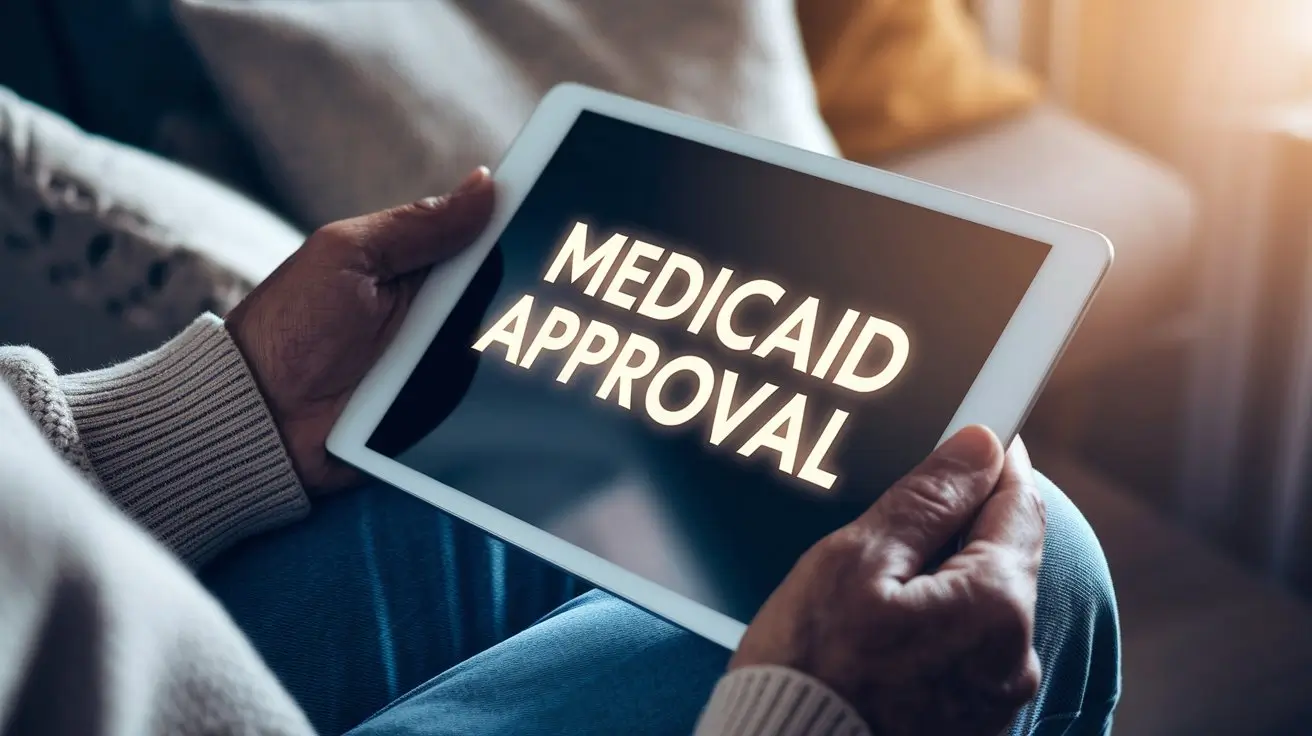
How to Apply for a Free Tablet as a Medicaid Recipient
Follow these steps to improve your chances of approval.
Step 1: Confirm Your Medicaid Status
- Make sure your Medicaid enrollment is active.
- Keep your Medicaid approval letter, notice, or state-issued proof ready.
Step 2: Gather Matching Documents
- Government-issued ID
- Medicaid approval letter or current proof of participation
- Proof of address such as a utility bill, lease, or government mail
Before you submit anything, review our free government tablet documents checklist.
Step 3: Complete Eligibility Verification
- Apply through the Lifeline process or through a participating provider that supports verification.
- If the system asks for more proof, upload clear matching documents.
Step 4: Compare Providers
- Check whether the provider serves your area.
- Ask whether they currently offer a free tablet, a discounted tablet, or service only.
- Confirm any co-pay, shipping cost, or activation requirement before you continue.
Step 5: Wait for Approval and Device Availability
- If approved, your final offer depends on provider inventory and current terms.
- Some applicants receive a device, while others may receive discounted service first and then choose from available offers.
Take action today. Apply now and confirm the latest provider terms before you enroll.
Need a Simpler Walkthrough?
If you want a broader step-by-step overview before applying with Medicaid, review our how it works guide. It explains the general application flow, document checks, and what to expect after approval.
FAQs
Q1: Who qualifies for a free tablet through Medicaid?
If you are actively enrolled in Medicaid, you may qualify for Lifeline-related eligibility and then check whether a participating provider currently includes a free or low-cost tablet offer.
Q2: Can I qualify if I receive Medicaid but not SNAP?
Yes. Medicaid can be enough to qualify for Lifeline-related eligibility, even if you do not receive SNAP.
Q3: Does every Medicaid recipient automatically receive a free tablet?
No. Medicaid can help you qualify, but you still need to apply, verify your documents, and confirm whether a provider currently offers a device in your area.
Q4: Can more than one household member get a free tablet?
In most cases, only one Lifeline benefit is allowed per household, even if multiple members participate in Medicaid.
Q5: Do these tablets come with free internet service?
Some providers include data or service with the device, while others offer a discounted plan, a limited bundle, or a co-pay option. Always confirm the current service terms before you enroll.
Q6: What should I do if my application is denied?
- Check whether your Medicaid name, address, and ID match exactly.
- Upload clearer or newer documents if requested.
- Review whether another participating provider in your area has a different device offer.
Conclusion
If you receive Medicaid, you may have a strong path toward free or low-cost tablet options, but the key is to understand what Medicaid actually does. It can help you qualify for Lifeline-related eligibility, while the final device offer depends on the provider, your location, and current stock.
Do not rely on old ACP-era promises. Apply now after checking your documents and provider terms.