
Good news if you live in South Carolina and your family struggles to afford a tablet or internet connection. You can qualify for a free or discounted tablet through federal and state programs like Lifeline, the South Carolina Equipment Distribution Program (SCEDP), and several local nonprofit initiatives.
This comprehensive guide will teach you who qualifies, how to apply, income limits, and where to find local help if you can’t get approved online.

Lifeline Program in South Carolina
The Lifeline Assistance Program is a federal communications benefit that helps low-income households lower their monthly phone or internet bills.
In South Carolina, Lifeline is managed by the South Carolina Office of Regulatory Staff (ORS). While Lifeline doesn’t automatically provide free tablets, several approved providers offer special promotions to eligible customers.
Contact ORS:
- Phone: (803) 737-0800
- Address: 1401 Main Street, Suite 900, Columbia, SC 29201
- Website: ors.sc.gov
Eligibility in South Carolina
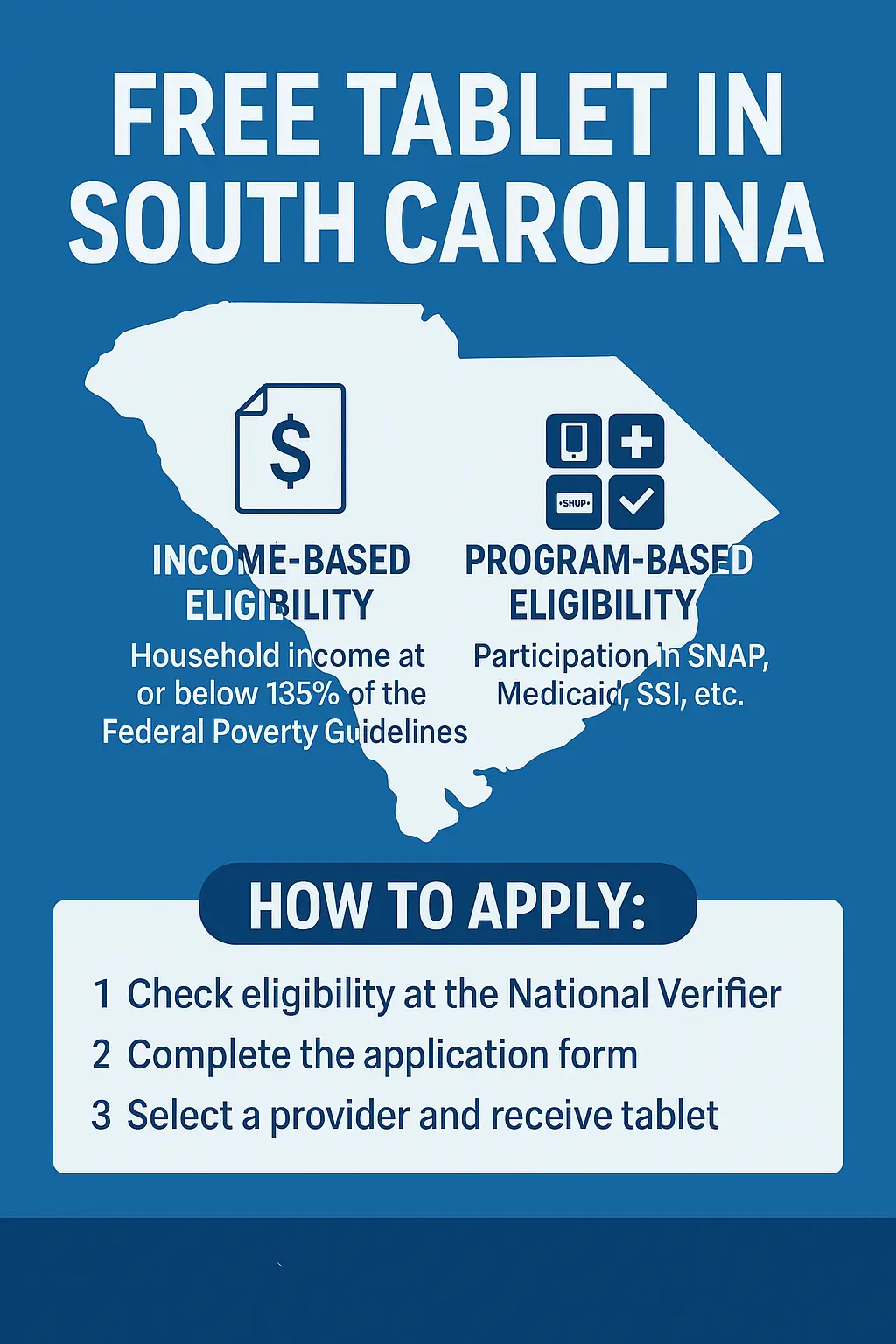
There are two ways to qualify for a free tablet: income eligibility or program participation.
1. Income-Based Eligibility
You qualify if your household income is at or below 135% of the Federal Poverty Guidelines.
2025 South Carolina Income Limits
| Household Size | Maximum Yearly Income (135%) |
| 1 | $16,862 |
| 2 | $22,829 |
| 3 | $28,796 |
| 4 | $34,763 |
| 5 | $40,730 |
Note: Add $5,967 for each additional household member.
2. Program-Based Eligibility
You are also eligible if anyone in your household participates in:
- SNAP (Food Stamps)
- Medicaid
- Supplemental Security Income (SSI)
- Federal Public Housing Assistance(FPHA)
- Veterans Pension or Survivors Benefit
- Women, Infants, and Children Program (WIC)
You can check your Lifeline eligibility at the official National Verifier portal.
How to Apply:
The application process for a subsidised Lifeline tablet is easy if you follow the given steps.
- Go to the National Verifier through the official Lifeline website.
- Enter your personal information, like name, address, and eligibility proof.
- Upload all the required documents, including a photo ID, benefit letter, or proof of income.
- Complete the Application form, double-check that all the information is correct, and submit.
- Then wait for approval; you will receive a confirmation email or letter.
- Select a Lifeline provider in South Carolina that offers free or discounted tablets.
- Complete their form and submit additional proof if needed.
- Receive your tablet by mail or from a local partner center.
Tip: Always double-check that your address matches the one on your official documents to avoid delays.
Top Lifeline Providers in South Carolina
Some South Carolina Lifeline providers combine their federal benefit with tablet promotions. Availability may vary by ZIP code.
| Provider | Offer | Contact |
| AirTalk Wireless | 5 GB data, Free phone, tablet combo, unlimited talk/text | 855-924-7825 |
| Q Link Wireless | Unlimited talk/text, about 4.5 GB data, discounted tablets | 855-754-6543 |
| Cintex Wireless | Unlimited talk/text, free international calls, low-cost tablet | 855-655-3097 |
| StandUp Wireless | 1,000 minutes, unlimited texts, 4.5 GB data, $10–$20 tablet | 800-544-4441 |
| Freetabletgovt.com/ | 1,000 minutes, unlimited texts, 25 MB data, optional tablet | (737) 703-0570 |
Note: Some providers partner with local nonprofits to distribute tablets. Always apply through official websites to avoid scams.
Other Programs in South Carolina
If you don’t qualify for Lifeline, state and nonprofit initiatives also help residents access free or low-cost tablets.
1. South Carolina Equipment Distribution Program (SCEDP)
Run by the SC Office of Regulatory Staff, this program provides free assistive devices, including tablets, to residents with hearing or speech impairments.
Contact Information:
- Phone: 877-225-8337 or 877-889-8337
- Email: info@scedp.sc.gov
- Address: 1901 Main St, Suite 1500, Columbia, SC 29201
- Website: scedp.sc.gov
2. Digital Equity Collaborative (DEC)
The DEC connects South Carolinians with digital literacy classes, low-cost tablets, and connectivity help.
They partner with libraries and community centers across the state.
- Website: scorh.net/dec
- Email: info@scorh.net
3. Lowcountry Digital Equity Coalition
Focused on coastal regions, this group distributes refurbished tablets and conducts digital skills training workshops.
- Website: lowcountrydec.com/resources
- Email: info@lowcountrydec.com
4. Alston Wilkes Society
A nonprofit promoting awareness about Affordable Connectivity and other free device programs for veterans, seniors, and low-income families.
- Website: alstonwilkessociety.org
- Phone: (803) 799-2490
- Email: info@alstonwilkessociety.org
Documents Required to Apply
Before applying for a free government tablet in South Carolina, prepare these documents:
- Valid Photo ID: Driver’s license, state ID, or passport.
- Proof of Address: Utility bill, rental agreement, or official mail.
- Proof of Income: Recent pay stub, tax return, or benefits letter.
- Program Participation Proof: SNAP or Medicaid card.
- Social Security Number
Having these ready ensures a faster approval process.
Local Help Centers and Agencies in South Carolina
If you need help filling out forms or uploading documents, these local centers can assist you:
South Carolina Department of Social Services (DSS)
- Address: 1535 Confederate Avenue, Columbia, SC 29201
- Phone: (803) 898-7601
- Helpline: (800) 616-1309
South Carolina Department of Health and Human Services (DHHS)
- Service: Helps Medicaid participants apply for Lifeline or digital equity programs.
- Phone: (800) 726-8774
- Email: info@scdhhs.gov
Public Libraries and Community Tech Centers
Libraries such as Richland Library, Charleston County Library, and Greenville County Library System offer:
- Free Wi-Fi and computer access
- Printing and document scanning
- Help with Lifeline or tablet applications
Find your nearest branch at statelibrary.sc.gov.
Common Problems and Quick Fixes
Problem 1: Application rejected or “not found.”
Fix: Double-check your name and address. Reapply with correct spelling and updated proof.
Problem 2: Blurry or incomplete documents.
Fix: Scan or retake photos clearly under good light.
Problem 3: Delay in device delivery.
Fix: Contact your provider’s support center and confirm shipping details.
Problem 4: Unsure about eligibility.
Fix: Call the National Verifier Help Line at (800) 234-9473 for assistance.
FAQs
Can I still get a free tablet after the ACP ended?
Yes. While ACP funding is limited, many Lifeline providers in South Carolina continue to offer free or discounted tablets under special promotions.
How long does approval take in South Carolina?
Usually, it takes 3 to 7 business days after submitting documents, plus a few more days for shipping.
Which providers currently offer tablets in SC?
Most counties have active providers like AirTalk Wireless, CarolinaConnect, and TruConnect.
What should I do if my application is denied?
Check for mismatched documents, reapply, or contact the ORS Lifeline division at (803) 737-0800.
Can I get in-person help applying for Lifeline?
Yes. For free help, visit your county DSS office, public library, or Digital Equity Collaborative hub.
Conclusion!
Staying connected means access to education, healthcare, and opportunities, starting with one application. If you live in South Carolina and meet the Lifeline income or program requirements, you could get a free tablet or discounted internet service in 2025.
Start your Lifeline eligibility check today at LifelineSupport.org or visit your local DSS office for help. Programs and devices are limited, so apply early to secure your tablet.