
If you live in South Carolina and want a free government tablet, the main path in 2026 is usually through Lifeline-related eligibility, participating provider offers, and a few state or nonprofit device programs. While the Affordable Connectivity Program has ended, eligible South Carolina households may still be able to get a free or discounted tablet depending on current provider terms and device stock.
This South Carolina guide explains who may qualify, the correct 2026 income limits, what documents to prepare, how to apply, and where to find local help if you need support with the process.

Lifeline Program in South Carolina
The Lifeline Assistance Program is a federal communications benefit that helps eligible low-income households lower monthly phone or internet costs.
In South Carolina, the South Carolina Office of Regulatory Staff (ORS) is a helpful source for state-level Lifeline information. Lifeline does not automatically include a tablet, but some participating providers may offer a free or discounted device depending on current promotions and availability.
Contact ORS:
- Phone: (803) 737-0800
- Address: 1401 Main Street, Suite 900, Columbia, SC 29201
- Website: ors.sc.gov
Eligibility in South Carolina
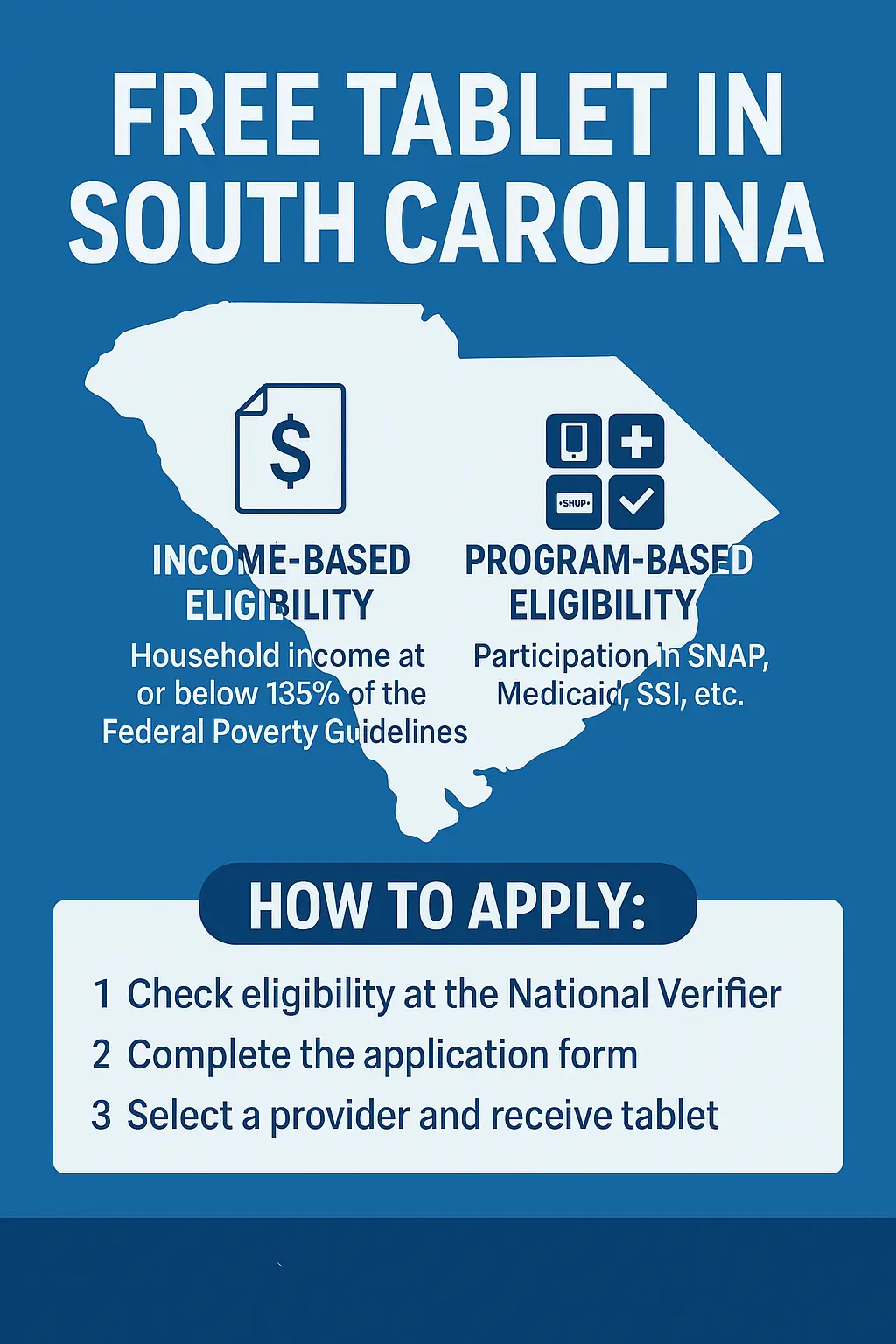
There are two ways to qualify for a free tablet: income eligibility or program participation.
1. Income-Based Eligibility
You qualify if your household income is at or below 135% of the Federal Poverty Guidelines.
2026 South Carolina Income Limits
| Household Size | Maximum Yearly Income (135%) |
| 1 | $21,546 |
| 2 | $29,214 |
| 3 | $36,882 |
| 4 | $44,550 |
| 5 | $52,218 |
Note: Add $7,668 for each additional household member.
2. Program-Based Eligibility
You are also eligible if anyone in your household participates in:
- SNAP (Food Stamps)
- Medicaid
- Supplemental Security Income (SSI)
- Federal Public Housing Assistance (FPHA)
- Veterans Pension or Survivors Benefit
- Eligible Tribal programs, if applicable
You can check your Lifeline eligibility at the official National Verifier portal.
How to Apply
The Lifeline application process is easier when your documents are ready before you start.
- Go to the official Lifeline process and start with the National Verifier.
- Enter your personal details exactly as they appear on your ID and proof documents.
- Upload the required documents, including photo ID, proof of address, and proof of income or program participation.
- Wait for your approval result and keep your approval details.
- Select a provider in South Carolina that serves your ZIP code and confirm whether a tablet is actually available.
- Complete the provider application and review any co-pay, shipping, or extra service charges before you submit.
Tip: Always double-check that your address matches the one on your official documents to avoid delays. Before you apply, you can also review our documents guide and eligibility guide.
How to Compare Lifeline Providers in South Carolina
Some South Carolina providers may include tablet promotions, but availability can vary a lot by ZIP code, inventory, and current offers. It is better to compare what each provider is offering right now instead of relying on one fixed device list.
| What to compare | Why it matters |
| ZIP coverage | Not every provider serves every South Carolina address. |
| Tablet availability | A free or discounted tablet may be available one month and gone the next. |
| One-time costs | Some offers include a co-pay, shipping fee, or activation cost. |
| Monthly service | Data, hotspot, talk, and text terms can differ by provider. |
| Support and shipping | Approval speed and delivery timing are not always the same. |
Next step: Compare current options on our best free government tablet providers page before you choose a carrier. For extra protection, review our scams guide as well.
Other Programs in South Carolina
If you don’t qualify for Lifeline, state and nonprofit initiatives also help residents access free or low-cost tablets.
1. South Carolina Equipment Distribution Program (SCEDP)
Run by the South Carolina Office of Regulatory Staff, this program is separate from Lifeline. It provides no-cost assistive equipment, including tablets, to qualifying South Carolina residents who have trouble hearing or speaking on the phone.
Contact Information:
- Phone: 877-225-8337 or 877-889-8337
- Email: info@scedp.sc.gov
- Address: 1901 Main St, Suite 1500, Columbia, SC 29201
- Website: scedp.sc.gov
2. Digital Equity Collaborative (DEC)
The DEC connects South Carolinians with digital literacy classes, low-cost tablets, and connectivity help.
They partner with libraries and community centers across the state.
- Website: scorh.net/dec
- Email: info@scorh.net
3. Lowcountry Digital Equity Coalition
Focused on coastal regions, this group distributes refurbished tablets and conducts digital skills training workshops.
- Website: lowcountrydec.com/resources
- Email: info@lowcountrydec.com
4. Alston Wilkes Society
A nonprofit promoting awareness about Affordable Connectivity and other free device programs for veterans, seniors, and low-income families.
- Website: alstonwilkessociety.org
- Phone: (803) 799-2490
- Email: info@alstonwilkessociety.org
Documents Required to Apply
Before applying for a free government tablet in South Carolina, prepare these documents:
- Valid photo ID: driver’s license, state ID, or passport
- Proof of address: utility bill, rental agreement, or official mail
- Proof of income: recent pay stub, tax return, or benefits letter
- Program participation proof: SNAP, Medicaid, SSI, housing, or Veterans benefit letter
- Social Security Number, if required during verification
Having these ready can make the approval process smoother.
Local Help Centers and Agencies in South Carolina
If you need help with forms, scanning, or uploads, these local centers can assist you:
South Carolina Department of Social Services (DSS)
- Address: 1535 Confederate Avenue, Columbia, SC 29201
- Phone: (803) 898-7601
- Helpline: (800) 616-1309
South Carolina Department of Health and Human Services (DHHS)
- Service: Helps Medicaid participants apply for Lifeline or digital equity programs.
- Phone: (800) 726-8774
- Email: info@scdhhs.gov
Public Libraries and Community Tech Centers
Libraries such as Richland Library, Charleston County Library, and Greenville County Library System offer:
- Free Wi-Fi and computer access
- Printing and document scanning
- Help with Lifeline or tablet applications
Find your nearest branch at statelibrary.sc.gov.
Common Problems and Quick Fixes
Problem 1: Application rejected or “not found.”
Fix: Double-check your name and address. Reapply with correct spelling and updated proof.
Problem 2: Blurry or incomplete documents.
Fix: Scan or retake photos clearly under good light.
Problem 3: Delay in device delivery.
Fix: Contact your provider’s support center and confirm shipping details.
Problem 4: Unsure about eligibility.
Fix: Call the National Verifier Help Line at (800) 234-9473 for assistance.
FAQs
Can I still get a free tablet after the ACP ended?
Possibly. ACP is no longer active, but some Lifeline providers in South Carolina may still offer free or discounted tablets as separate provider promotions.
How long does approval take in South Carolina?
Approval timing can vary depending on document review and provider processing. Some applications move quickly, while others take longer if extra proof is needed.
Which providers currently offer tablets in South Carolina?
Availability changes by ZIP code and stock. Compare providers carefully and confirm the current offer before you submit your application.
What should I do if my application is denied?
Check for mismatched names, addresses, or old documents, then reapply with updated proof. You can also contact the ORS for guidance.
Can I get in-person help applying for Lifeline?
Yes. County offices, public libraries, and local digital equity groups may be able to help you scan documents, upload forms, or find device-access alternatives.
Conclusion
If you live in South Carolina and meet the current Lifeline income or program rules, you may still be able to get a free or discounted tablet or lower your monthly service cost in 2026. Start by checking your eligibility, preparing your documents, and comparing provider offers by ZIP code.
For a broader starting point, visit our homepage, then continue with the application page when you are ready.